
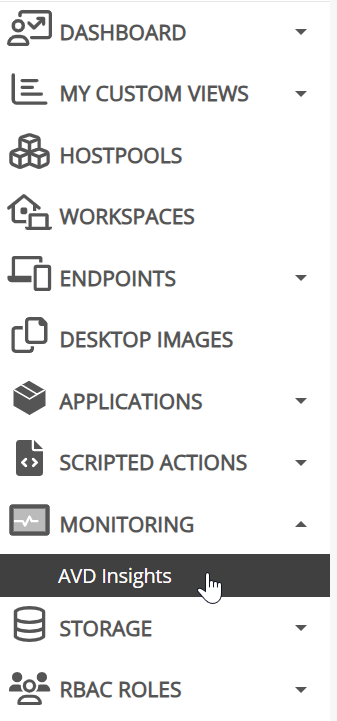
Currently, there is a link to AVD Insights on the left side of the screen under Monitoring:
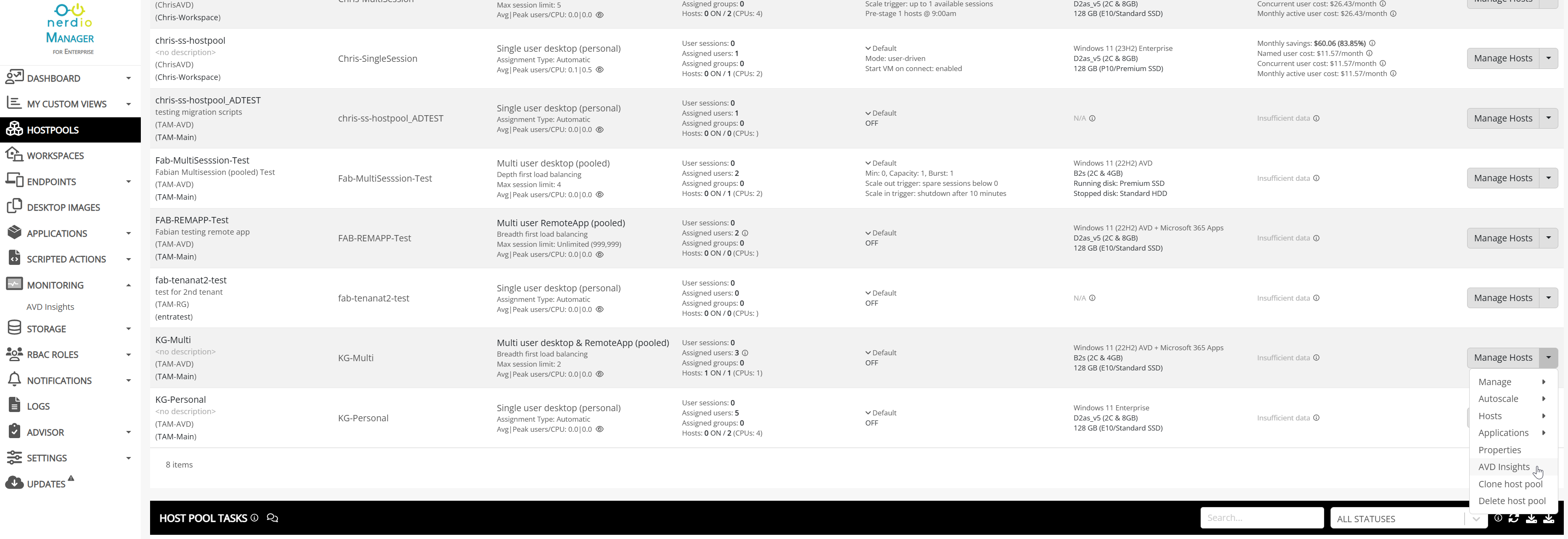
While this is convenient to see the overall AVD Insights info, when troubleshooting, you have to make sure you know the resource group, host pool, machine name, username, etc in order to drill down within Insights. It would be convenient to link to the Insights page for the host pool directly from the host pool menu similar to how clicking on the host pool name or VM name opens a tab to the Azure portal for that resource. For example, this button would open to this URL https://portal.azure.com/#@nerdiotams.onmicrosoft.com/resource/subscriptions/df3fb09b-9030-411e-a2d3-5a7184ed77e8/resourceGroups/TAM-AVD/providers/Microsoft.DesktopVirtualization/hostpools/KG-Multi/insights
Comments (0 comments)