
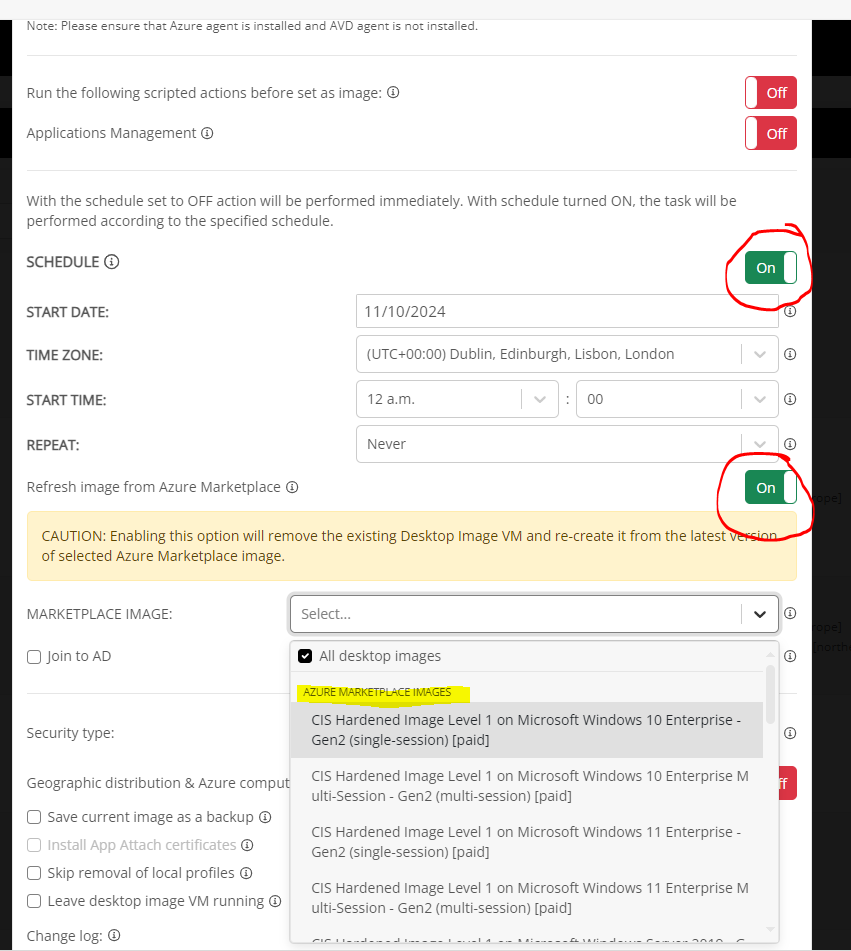
This week, I encountered a situation where we powered up a Desktop Image VM and made changes that resulted in the machine being in an unintended state. To resolve this, I deleted the Desktop Image VM and created a new one with the same name from the Compute Gallery (version 2.0). After making the necessary changes on the machine, I set it as the new image. However, this action created a new image definition with the updated image version, instead of adding a version 3.0 to the existing image definition.
It would be helpful to have a feature similar to host pool machines, allowing us to reimage the desktop image machine from an image version stored in the Azure Compute Gallery. 



Comments (7 comments)