
This is what users see when they use the Re-image button in the user portal
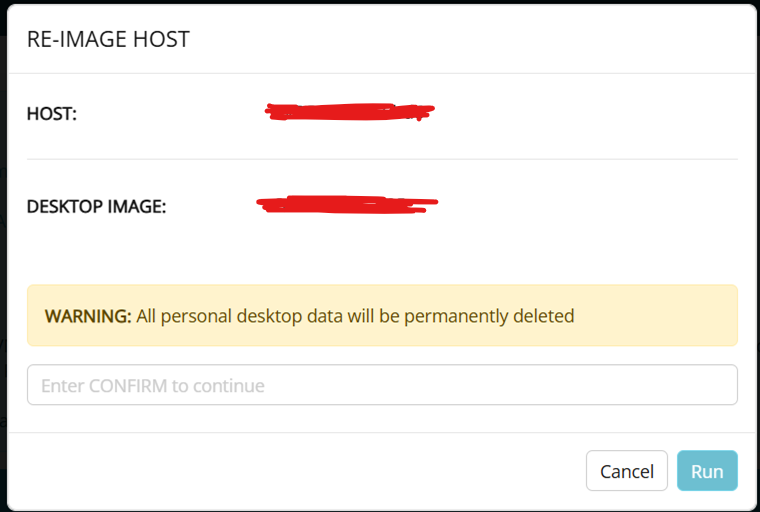
The Desktop Image field shows the name of the machine of the image that users are entitled to use. That is an image imported to Nerdio with the name that has a limit of 15 characters.
That image was imported to Nerdio from an azure compute gallery. In the compute gallery it has a longer name that is more descriptive which we in fact put in the description field of the image.
We would like to see 2 pieces of information added either to the main page of the user portal and/or in the Re-image window.
It is important for users to know the exact image their current machine has. This is an info that we put in the description field, so it would be great if for example the main page of the user portal would show the description field of the image in addition to the 15 characters name of the image.
Then, when they go to reimage, it would be great if it would show the description field of the image they are re-imaging into (which can be different from the current image they have) in addition to the 15 characters name of the image.


Comments (3 comments)