
I'm new to the product but will be using it for some upcoming projects.
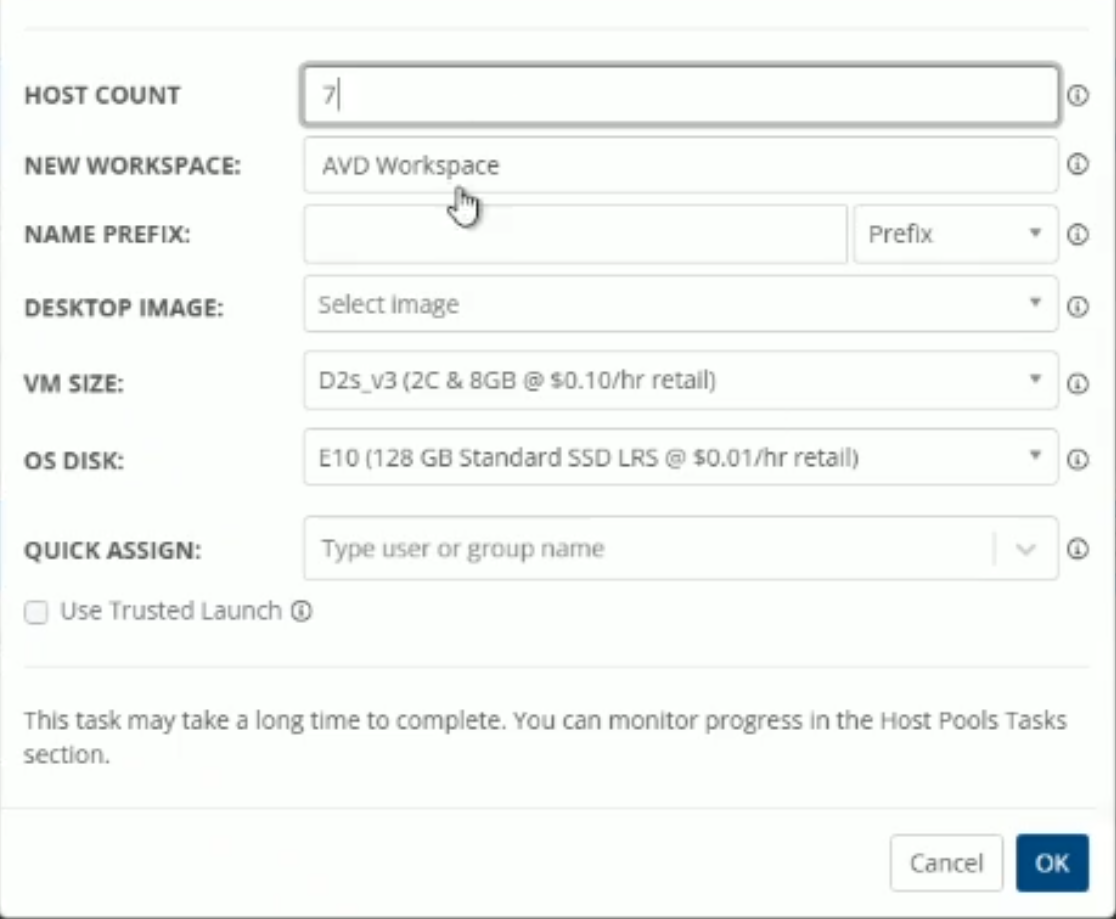
I came across a situation where someone ahead of me created a Workspace and an AVD Host Group with spaces in the names. I was trying to setup private endpoints to access the AVD environment and cannot because the names are invalid. For our application (CMMC) we don't want public access to the workspaces so need to turn that off.
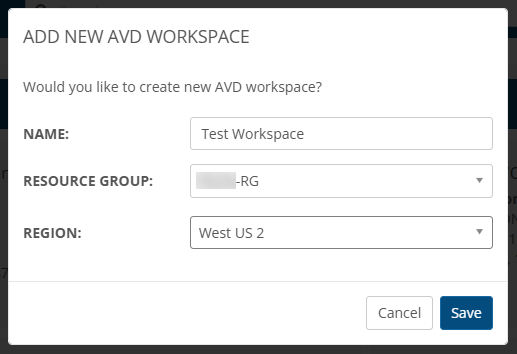
So I performed a test - I tried to create “TEST Workspace” through the Azure Portal. This failed because of the space in the name. This implies that there is something with the product that allows it to create Workspaces with spaces in the name but they are invalid when trying other operations.
Another thing, I was referencing this
https://nmehelp.getnerdio.com/hc/en-us/articles/26124384553997-Workspace-Management
Maybe it's the wrong place. Couldn't find Workspace anywhere. Bumbled around and found it under the tenant > Settings > Azure > Azure Environment.

Comments (4 comments)