
We currently manage approximately 400 host pools, and in several scenarios we need to apply a Group Tag to 300+ host pools at once. While Nerdio does support adding Group Tags, the current selection experience does not scale well for environments of this size.
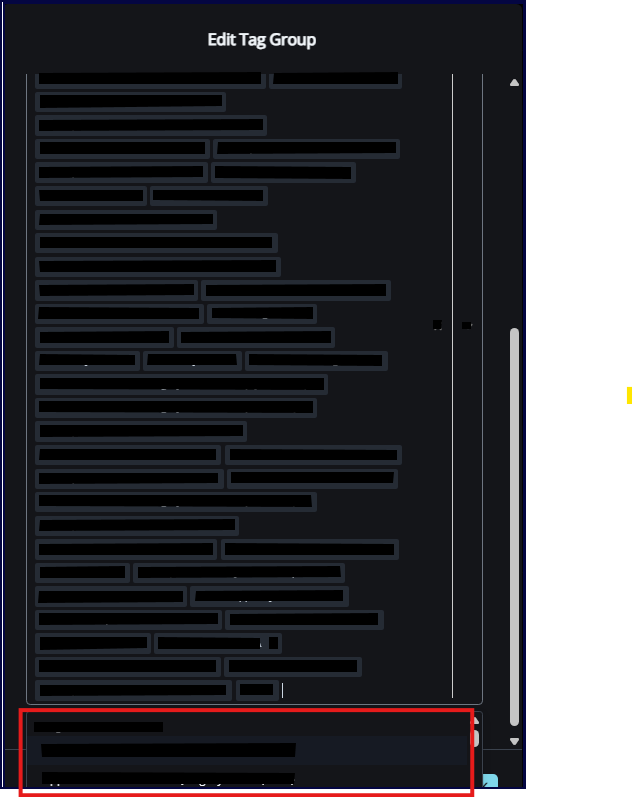
Today, selecting host pools is a manual, time‑consuming process. As host pools are selected, they fill the screen, and eventually the UI only allows selecting one remaining host pool at a time by scrolling through a long list. In practice, this can take well over an hour to complete for large environments.
I understand this limitation may not impact smaller enterprises with 20–30 host pools, but at larger scale it becomes extremely inefficient and, frankly, counterproductive. At this point, the built‑in UI workflow is often slower and less practical than scripting, which defeats the purpose of having a centralized management platform.
Proposed Improvement
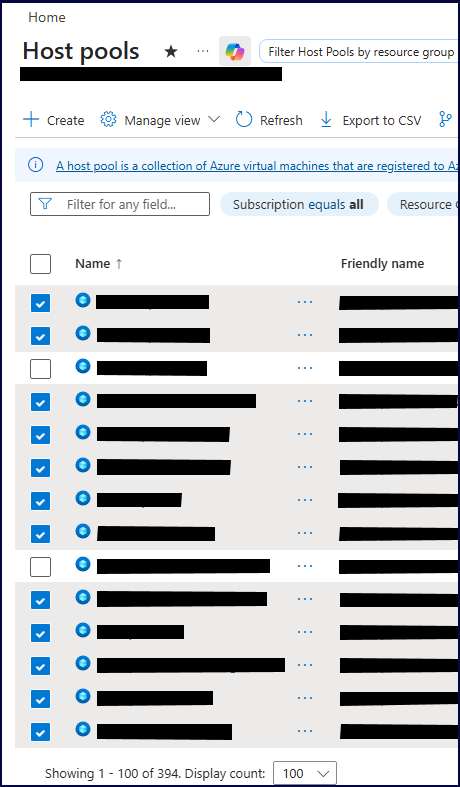
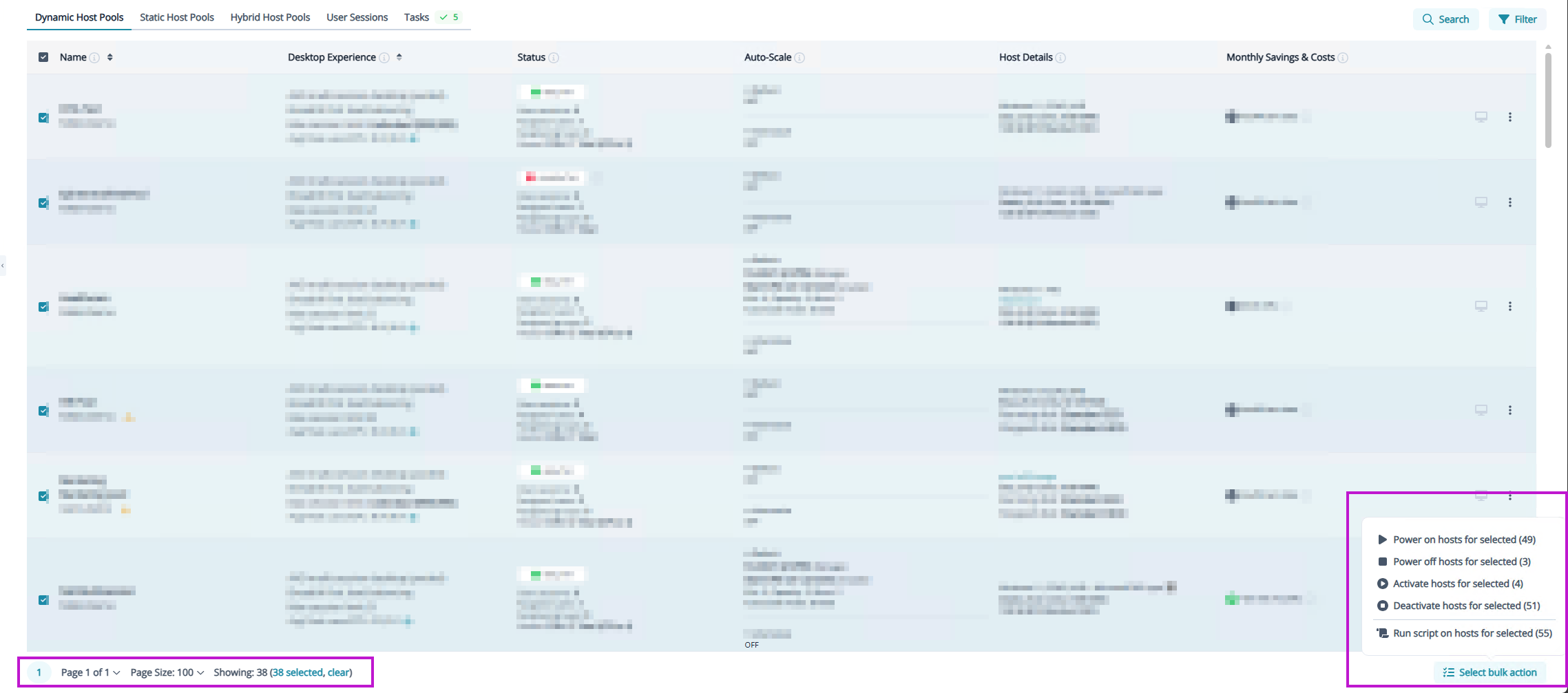
Instead of the current inline selection method (which is used elsewhere in Nerdio), it would be extremely helpful to have a pop‑out selection window, similar to the experience in Azure. This window would:
- Display all host pools at once (or at least 100 at a time)
- Allow multi‑select, including select‑all / bulk selection
- Support searching and filtering
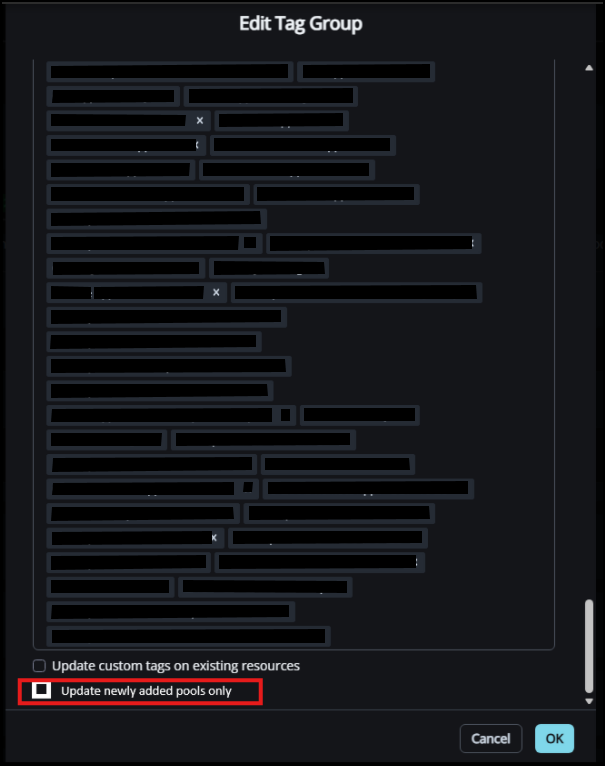
- Make it easy to apply Group Tags to large numbers of host pools in a single action
This type of selection experience would dramatically reduce administrative overhead, improve usability for large enterprises, and make Nerdio far more effective at scale.
Instead of this:
Could we get something like this:

Comments (4 comments)