
Title: Use existing storage account to add image from Azure VM
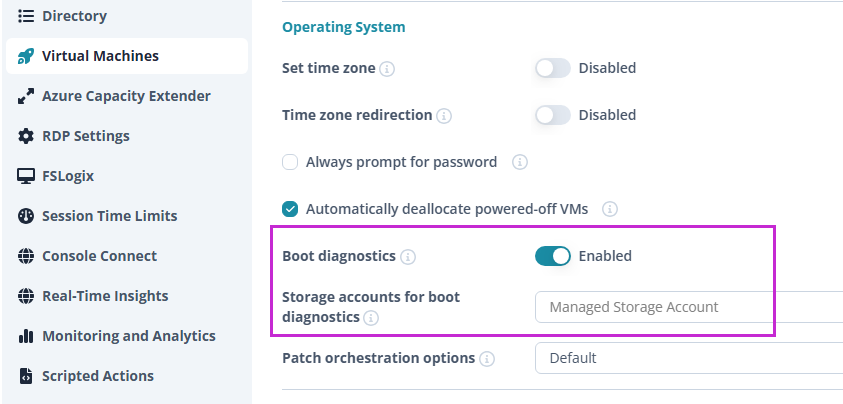
Problem: Nerdio creates a new storage account every time a new image is added from Azure VM, this is problematic for organization with tight security policies as public Access is blocked by default.
Description: On the Add Image from Azure VM menu, add the option to provide an existing account.
Vision - An organization with high security standards can provide one with private endpoints already configured so this storage account can be used in the future again for new images.

Comments (1 comment)