
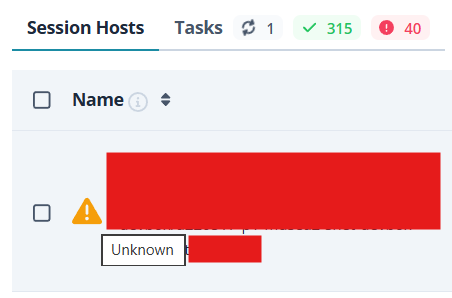
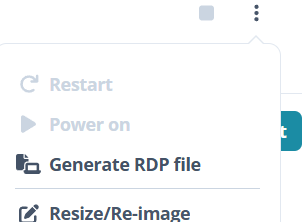
The Autoheal feature is missing a very important machine status - Failed. Please see the screenshot below. Machines end up like this when a user starts them but they fail to start. A possible reason can be when the machine was hibernated before and because of capacity issues it fails to start, because in this case the hibernated VMs have more requirements to start back compared to not hibernated machines. What makes this important is that if a machine is in the Failed state it requires the machine to be Powered Off as a first step, but it cannot be powered off from the Nerdio admin or self service portal. In this case it has to be Stopped from the Azure portal. A solution is needed that would Stop the VM when it is in Failed state.



Comments (2 comments)