
Here is the way this setting operates
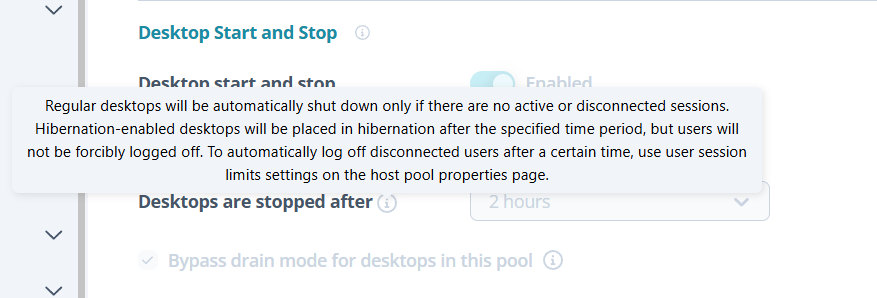
Autoscale deallocates regular desktops that have no sessions only. For VMs that can be hibernated, it deallocates those that have disconnected sessions too.
The problem is with the VMs that do not hibernate, first because they will never be deallocated if the user does not sign out. For these ones, we would need to configure Session time limits to sign out disconnected sessions after a specified amount of time, in order for autoscale to then deallocate them. But what happens if a user needs to let their machine running overnight? They can go to the self service portal to disable autoscale, but the Session time limits do not depend on the autoscale; so even if the user disables autoscale, their session will sign out based on the time limits configured.
The solution would be to not configure Session time limits, but instead include a part of that functionality inside autoscale. Autoscale should check these VMs that cannot hibernate to see how long has a session been disconnected for. Based on the time specified, it should log out the user and deallocate the VM. This way, users that need their VM to run overnight can now control their VM only through autoscale, that they can disable form the self service portal.
Comments (0 comments)